
Buying a smartphone can be expensive, especially when you want a recent iPhone or Samsung Galaxy with useful features. Choosing pre-owned phones Albany NY buyers can inspect carefully is one way to save money without giving up the features they need. However, a phone may look perfect on the outside and still have battery problems, hidden damage, account locks, or charging issues.
Before you pay, take time to test the phone, check its history, and confirm that it works with your mobile carrier. This guide provides a practical 60-point checklist for anyone considering a used iPhone or Samsung in Albany, New York. Whether you are shopping for a personal phone, a family member, or a backup device, these checks can help you make a more confident decision.
Why Buy Used iPhones and Samsung Phones in Albany?
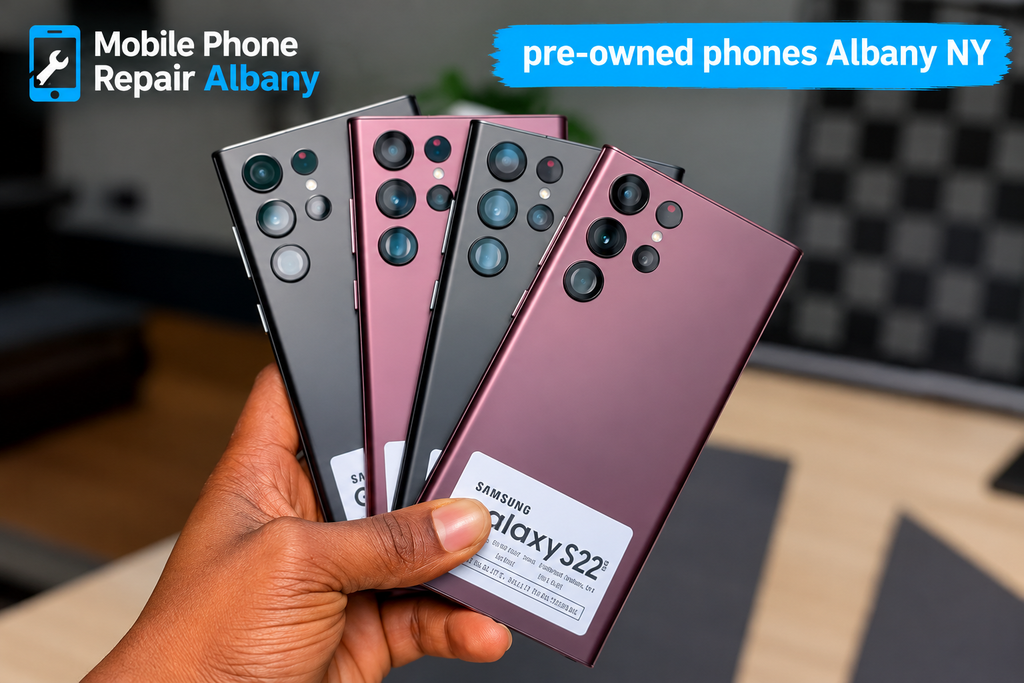
Buying used iPhones Albany NY, shoppers can test in person may help you get a reliable smartphone at a lower price than a brand-new model. You may be able to afford more storage, a better camera, or a newer processor while keeping your budget under control. The key is to focus on the phone’s actual condition instead of choosing based on price alone.
Likewise, used Samsung phones Albany, NY buyers consider can offer large displays, capable cameras, and useful Android features. Different Galaxy models have different specifications, so compare the exact model number before making a decision. Check software support, battery condition, storage capacity, and network compatibility to determine whether the device suits your everyday needs.
Used, Refurbished, or Certified Pre-Owned?
The terms refurbished phones Albany NY shoppers see in listings can mean different things depending on the seller. A refurbished phone has usually undergone some form of inspection, testing, cleaning, or repair, but the exact process varies. Ask what was tested, whether any parts were replaced, and whether the seller provides written warranty coverage.
Similarly, certified pre-owned phones Albany NY listings should explain who performed the certification and what standards the device passed. Do not assume that the word “certified” guarantees a new battery or original parts. Request details about testing, cosmetic grades, included accessories, and the return policy before deciding.
Set Your Budget Before Buying a Phone
When you buy used phones from Albany, NY sellers, consider the full cost rather than the advertised price alone. You might need a protective case, charging cable, battery replacement, or screen repair. Include these possible expenses in your budget so a seemingly cheap phone does not become an expensive purchase.
Finding affordable pre-owned phones Albany, NY residents can use comfortably starts with comparing several models in the same price range. An older flagship may offer a better display or camera than a newer budget phone, but it may also have a shorter remaining software-support period. Choose the model that meets your needs and offers a reasonable balance between cost, condition, and expected lifespan.
Compare Models and Storage Options
If you are comparing second-hand smartphones Albany, NY sellers have available, decide which features matter most. Think about camera quality, battery endurance, screen size, storage, gaming performance, and compatibility with your carrier. A phone with insufficient storage may become frustrating even if its exterior looks excellent.
A pre-owned iPhone Albany NY buyer considers should also be checked for its exact model, storage capacity, and iOS compatibility. Samsung buyers should compare Galaxy model numbers and available Android support. Do not rely on a seller’s description alone; confirm the specifications through the phone’s settings and the manufacturer’s information.
The 60-Point Used Phone Inspection Checklist
A thorough used iPhone buying checklist should cover more than cracks and scratches. You need to test the display, cameras, battery, buttons, charging, network connection, and security settings. If possible, inspect the phone in person, use your own charging cable, and test it before transferring money.
A used Samsung phone buying checklist should include the same basic tests, with extra attention to model-specific features such as fingerprint recognition, S Pen functionality on supported models, and display settings. Ask the seller to unlock the device and let you navigate through its settings. Never purchase a phone that the seller refuses to let you test.
Points 1–10: Check the Exterior
Follow these first ten checks to assess the phone’s physical condition.
- Inspect the front glass: Look for cracks, chips, and deep scratches.
- Check the back panel: Look for broken glass, gaps, or loose sections.
- Examine the frame: Watch for bends, dents, and signs of a hard drop.
- Test the buttons: Press the power and volume buttons to confirm they respond.
- Check the mute or action controls: Test the relevant control if the model has one.
- Inspect the SIM tray: Make sure it fits properly and closes securely.
- Look at the screws: Missing or damaged screws may indicate previous repairs.
- Check for loose parts: Gently handle the phone and listen for unusual rattling.
- Inspect the camera glass: Look for cracks, scratches, or visible dust beneath the cover.
- Check the overall finish: Look for uneven gaps, lifting panels, or poor assembly.
A reliable used phone inspection checklist starts with these visible details because physical damage can reveal problems that need further testing. A few minor scratches may be acceptable, but a bent frame or separating back panel deserves closer attention.
During the used smartphone condition check, also consider whether the damage could affect safety or usability. A lifting battery, sharp broken glass, or badly swollen panel is a reason to stop testing and avoid buying the device until a qualified technician has assessed it.
Points 11–20: Test the Screen and Display
- Check for dead pixels: Open a plain white and dark screen to spot unusual dots.
- Look for discoloration: Watch for yellow patches, green lines, or uneven brightness.
- Test touch response: Tap across the entire display, including its corners.
- Test scrolling: Scroll through menus and web pages to detect missed touch inputs.
- Check screen brightness: Increase and decrease brightness to confirm smooth adjustment.
- Test auto-brightness: Cover and uncover the light sensor where practical.
- Inspect for image retention: Look for lingering shapes after changing screens.
- Check screen alignment: Confirm the display sits evenly within the frame.
- Test screen rotation: Turn the phone and check whether supported apps rotate correctly.
- Test biometric access: Check Face ID, Touch ID, or the supported fingerprint sensor.
A proper iPhone screen condition check includes touch response, brightness, display quality, and biometric features. If the display has been replaced, ask whether the repair affected features such as True Tone or other model-specific functions. A replacement screen is not automatically bad, but the seller should explain its condition and origin.
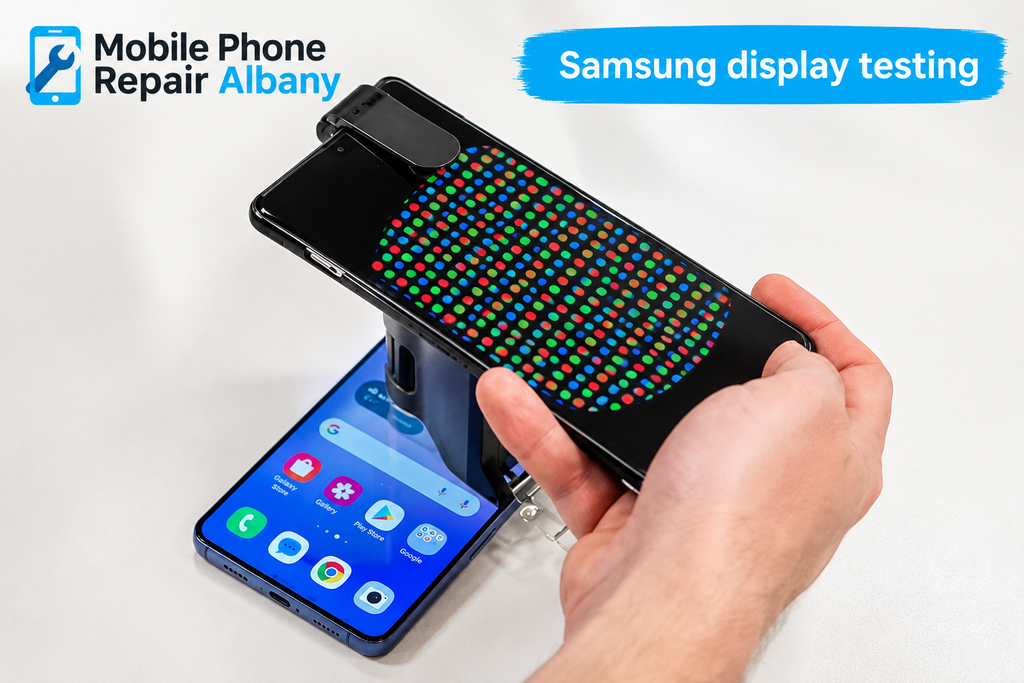
For Samsung display testing, open different colors and brightness levels, and test the full touch area. On supported Galaxy models, check the S Pen if it is important to you. Look for flickering, lines, unresponsive areas, and unusual discoloration that may indicate display damage.
Points 21–30: Check Battery and Charging
- Check battery health: Review the battery information available on the device.
- Inspect battery performance: Watch how quickly the charge drops during normal testing.
- Connect a charger: Confirm the phone recognizes a compatible charging cable.
- Check charging stability: Gently inspect the connection without forcing the cable.
- Test wireless charging: Try it if the model supports this feature.
- Check power consumption: Observe whether the phone becomes unusually hot during light use.
- Restart the phone: Confirm it powers off and starts normally.
- Test low-battery behavior: Check whether the phone remains stable at a lower charge.
- Inspect the charging port: Look for corrosion, debris, or physical damage.
- Check battery replacement history: Ask whether the battery has been replaced and by whom.
To check iPhone battery health, open Settings, select Battery, and look for Battery Health or Battery Health & Charging, depending on the iOS version. Review maximum capacity and any service warnings. A high percentage is useful, but it does not guarantee perfect battery performance under every condition.
A Samsung battery health check may involve Samsung Members diagnostics or other tools supported by the particular model and software version. Menu names and available tests can differ. Consider the phone’s age, charging behavior, and battery condition together rather than relying on one number.
The expected used phone battery life depends on the model, battery age, usage habits, and previous charging patterns. Ask about battery replacements and watch for unexpected shutdowns or rapid drops in charge. If the battery appears swollen or the device becomes dangerously hot, stop testing and do not purchase it without professional assessment.
Points 31–40: Test Cameras and Connectivity
- Test the rear camera: Take photos in bright and dim lighting.
- Test the front camera: Check selfies and video calls.
- Check camera focus: Photograph a nearby object and something farther away.
- Test video recording: Record a short clip and play it back.
- Check the flash: Take a photo with the flash enabled.
- Test the speakers: Play audio at low and moderate volume.
- Check the microphone: Record a voice memo and listen to it.
- Test Wi-Fi: Connect to a network and open a webpage.
- Check Bluetooth: Pair the phone with a compatible accessory if available.
- Test cellular service: Confirm calls, texts, and mobile data work when permitted.
A complete used phone camera test can reveal focusing problems, blurry images, camera shake, or damaged lenses. Try each available camera and lens rather than assuming they all work because the main camera opens. Check recorded video for strange sounds, flickering, or unexpected interruptions.
The smartphone speaker and microphone test should include both playback and recording. Make a test call if possible, and listen for muffled sound, crackling, or low volume. During the phone charging port inspection, look carefully for bent contacts and corrosion, and avoid inserting sharp objects into the port.
Points 41–50: Verify Security and Software
- Check the IMEI: Find the device identifier in its settings and compare it with available packaging or records.
- Check the blacklist status: Use a reputable service or carrier to check whether the device is reported lost, stolen, or blocked.
- Confirm carrier compatibility: Make sure the phone supports your intended carrier’s network.
- Check the unlock status: Confirm the phone is not restricted to an incompatible carrier.
- Check iPhone Activation Lock: Ensure the previous owner’s account is no longer linked.
- Check Samsung account access: Confirm the phone is not blocked by a previous owner’s account.
- Review the operating system: Check the installed software version and update options.
- Test basic apps: Open settings, messaging, browser, and other built-in apps.
- Check storage: Confirm the available capacity matches the advertised model.
- Verify reset readiness: Make sure the seller can erase the phone and you can complete setup.
To check phone IMEI number, open the device settings and find the IMEI information. You can also commonly enter *#06# in the phone dialer, although availability may vary. Compare the number across available records and check its status through an appropriate carrier or reputable checking service. A matching number alone does not prove that the phone is safe to buy.
When you check if a used phone is unlocked, verify that it can work with your intended carrier. An unlocked phone can still be blacklisted, financed, or otherwise restricted, so investigate these issues separately. Do not assume that inserting a SIM card once proves permanent compatibility.
An iPhone Activation Lock check is essential before payment. Ask the owner to sign out of their Apple Account and erase the phone using the proper process. Complete the initial setup far enough to confirm that the device does not request the previous owner’s credentials. Do not buy a phone that remains linked to someone else’s account.
A Samsung Google account lock check is equally important. After a proper reset, some devices may require the Google account previously associated with them because of Factory Reset Protection. Ask the seller to remove their accounts correctly and allow you to verify setup. Never rely on promises that an account lock can be removed later.
Points 51–60: Check Ownership and Final Details
- Ask about repair history: Find out whether the screen, battery, camera, or other parts were replaced.
- Ask about liquid exposure: Check for any known water or liquid damage.
- Review the purchase record: Request a receipt or written record identifying the device.
- Confirm ownership: Buy only when the seller can reasonably demonstrate the right to sell it.
- Check accessories: Confirm which charging cables, cases, or other items are included.
- Review warranty terms: Ask what defects are covered and for how long.
- Read the return policy: Confirm the return period and any conditions in writing.
- Compare the final price: Consider condition, storage, battery, and repair costs.
- Complete a final test: Repeat the key checks before handing over payment.
- Keep your records: Save the receipt, seller details, warranty, and device information.
Ask about used phone repair history because a previous repair can affect performance, water resistance, or the reliability of certain features. A well-repaired phone may still be a sensible purchase, but you should know what work was completed and whether replacement parts are covered by a warranty.
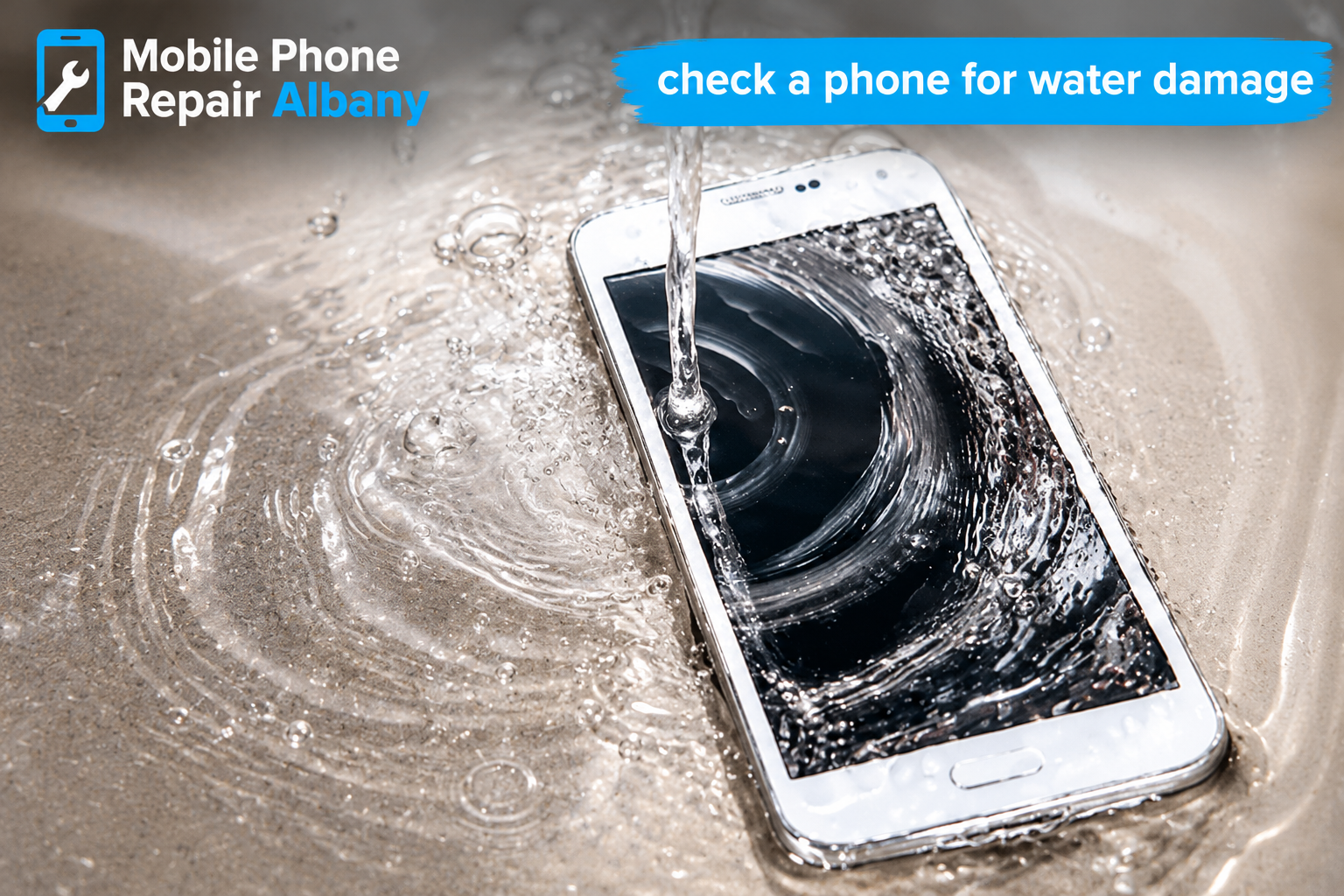
When you check a phone for water damage, look for corrosion, display problems, charging issues, and unexplained malfunctions. Liquid damage can be hidden, and external inspection cannot rule it out completely. Do not treat a clean exterior or a liquid indicator alone as conclusive proof that the phone has never been exposed to moisture.
Compare iPhone and Samsung Before You Buy
A pre-owned Samsung Galaxy Albany NY buyer should consider the specific model, remaining software support, screen quality, and features such as expandable storage or an S Pen where available. Samsung offers many models with different specifications, so verify the exact device rather than comparing only brand names. Make sure the phone’s size, battery, and performance suit your daily routine.
When choosing used cell phones, Albany, NY sellers offer iPhones and Samsung devices; compare them according to your needs. If you already use a Mac, iPad, or Apple Watch, an iPhone may fit your existing setup. If you prefer Android customization or a particular Galaxy feature, Samsung may suit you better. Test both options if you are undecided.
Watch for Red Flags Before Paying
Finding reliable used phone sellers Albany, NY buyers can trust means looking for clear answers, reasonable documentation, and permission to test the device. Be cautious if the seller rushes you, refuses basic checks, cannot explain the phone’s condition, or offers a price that seems unusually low without a credible reason.
If you are searching for the best place to buy pre-owned phones Albany NY has available, focus on transparency rather than promotional claims. A trustworthy seller should explain the device’s condition, what is included, and what happens if a fault appears after purchase. Avoid paying before account locks, network restrictions, and ownership concerns have been resolved.
Common warning signs include:
- The seller refuses to let you test the phone.
- The device asks for someone else’s Apple or Google account.
- The IMEI appears blocked or cannot be reasonably verified.
- The screen has unexplained lines, flickering, or dead touch areas.
- The battery is swollen or the phone overheats during basic use.
- The seller will not explain the return terms or provide a purchase record.
Understand Warranty and Return Policies
Before buying, ask about the used phone warranty Albany, NY sellers provide and read the actual terms. Coverage may apply only to certain components or defects, and batteries, accidental damage, and liquid damage may be excluded. Confirm the warranty period, claim process, repair options, and whether you need to keep the original receipt.
A clear pre-owned phone return policy gives you a better understanding of your options if the device develops a problem or differs from its description. Ask whether there is a testing period, whether opened packaging affects returns, and whether refunds or exchanges are available. Get the answers in writing instead of relying on a verbal promise.
Make a Smart Final Buying Decision
Before you compare used iPhone prices, compare the exact model, storage, battery condition, repair history, and warranty. Two phones that look identical may have very different values because one has a worn battery or a damaged replacement screen. Consider the total cost of ownership instead of choosing the lowest advertised price.
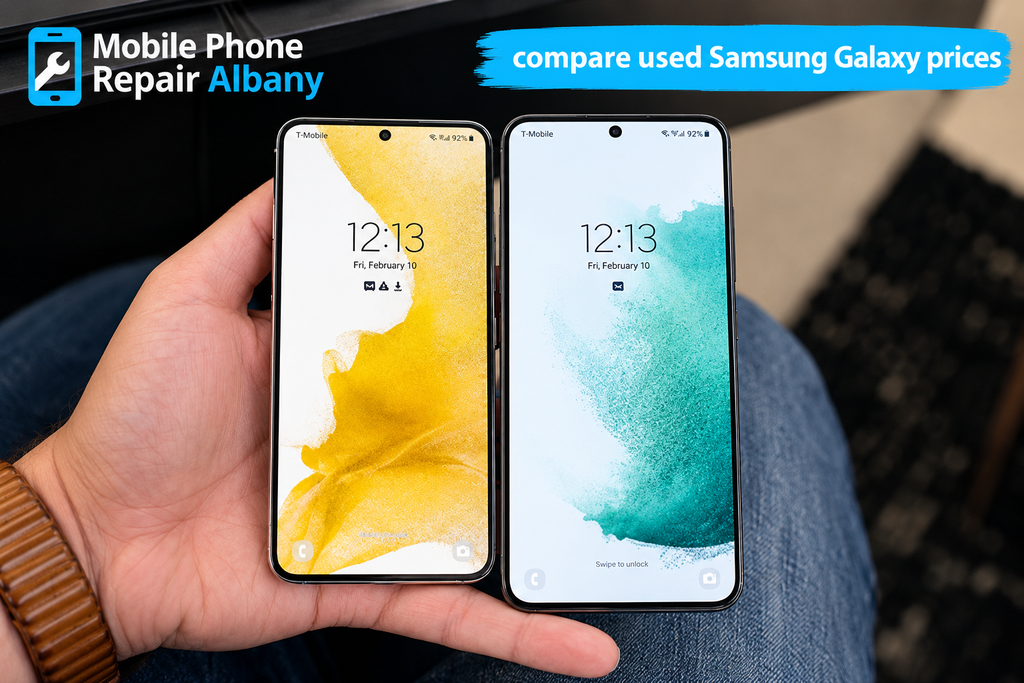
When you compare used Samsung Galaxy prices, use the same approach. Confirm the model number, storage, network compatibility, display condition, and software support. A slightly more expensive device may be the better choice if it is in stronger condition and comes with clear return terms.
If you need help assessing a phone’s condition, Mobile Phone Repair Albany can be a useful starting point for repair-related questions. A qualified technician may help identify certain hardware issues, although no quick inspection can guarantee that every hidden fault will be discovered. Arrange an assessment when you have concerns about a device before committing to a purchase.
Conclusion: Buy Pre-Owned Phones With Confidence
Buying pre-owned phones Albany NY shoppers can inspect carefully is a practical way to save money, but a smart purchase requires more than a quick look at the screen. Use this 60-point checklist to test the exterior, display, battery, cameras, charging port, network, security settings, and purchase documents. Take your time, ask direct questions, and walk away if the seller cannot resolve important concerns.
Whether you choose an iPhone or Samsung Galaxy, make sure the phone is usable, compatible with your carrier, free from unresolved account locks, and priced fairly for its condition. Keep your receipt and warranty details after the purchase. With careful testing and realistic expectations, you can make a more informed decision and choose a phone that fits your budget and everyday needs.